
Calhoun VINELink Coverage Explained
South Carolina VINE is the state information and notification service. Its official coverage statement describes feeds from 43 participating county detention centers, two prison work camps, two city jails, SCDC, and DPPPS, and also discusses juvenile coverage. The Orangeburg County Detention Center serves Calhoun arrests, so the agency or facility label matters when selecting a result. A local custody record may use the historic Orangeburg-Calhoun Regional Detention Center name.
VINE is a status and alert layer. It can report a custody location or event based on a participating agency feed. It does not create the booking sheet, court order, SCDC discharge record, or DPPPS supervision record. Federal Bureau of Prisons custody is outside this state service. Use the Federal Bureau of Prisons locator for a federal sentence.
Search One Calhoun County Person
Open the South Carolina VINELink portal and choose offender search. Enter an offender number when known. A name search can work, but common names require more care. Compare middle initial, year or date of birth, agency, location, and any offender identifier shown. Avoid relying on a full birth date in notes when a year is enough to distinguish the person.
- Select South Carolina and the offender-search option.
- Enter the offender number, or the first and last name with a middle initial when known.
- Review every close match instead of choosing the first name shown.
- Confirm that the listed agency fits the custody path, such as the Orangeburg detention center or SCDC.
- Read the custody status and event wording literally.
- Record the lookup date, then verify a release with the detention center, SCDC, or court.
The official search screen demonstrates the person-specific workflow. View the current South Carolina portal.
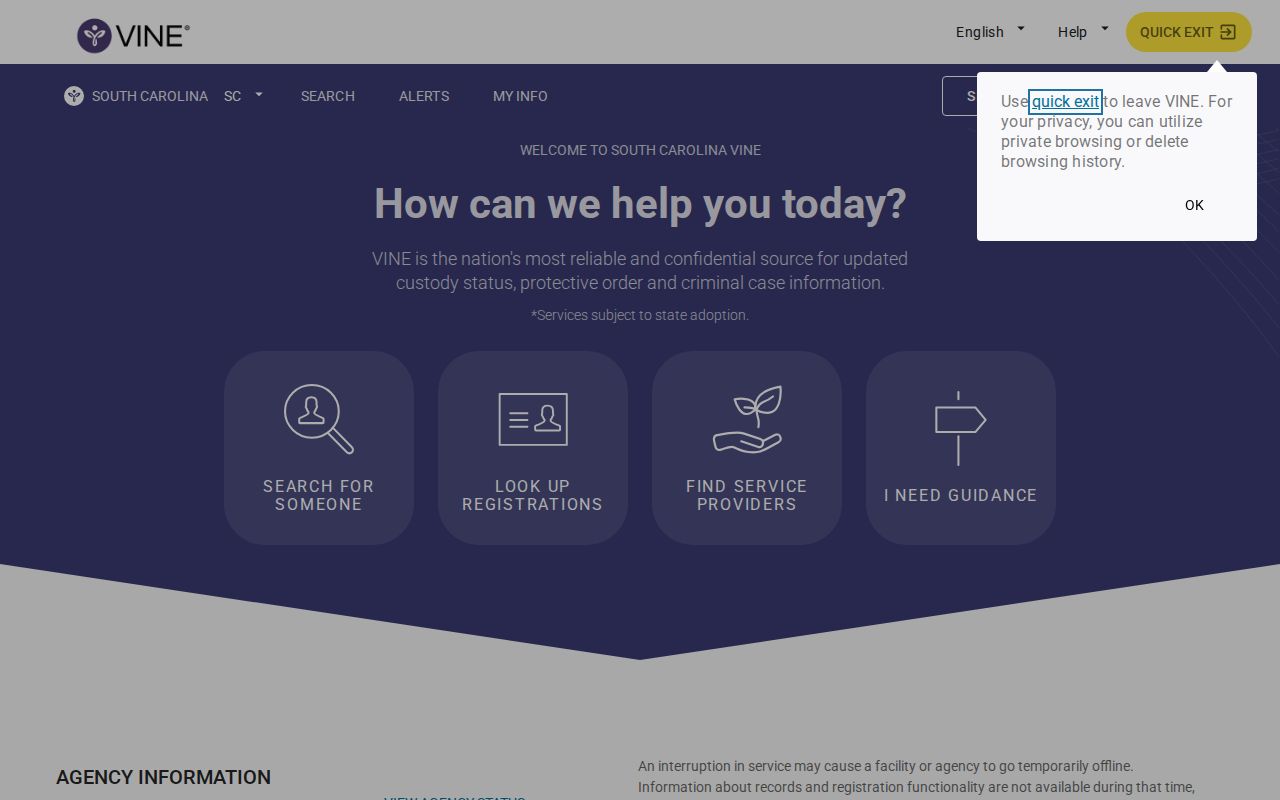
The form is useful for locating a likely record, but an identity match still requires stable details beyond the name.
Read Calhoun VINELink Release Fields
VINE may show a custody status, facility or agency, offender identifier, and event information. The exact fields depend on the contributing system. Read a displayed release date as the event reported by that feed, then compare it with the jail release sheet or SCDC released record. A court disposition can explain the authority for release, but it does not establish the precise time the detention center completed its process.
| Field | How to interpret it |
|---|---|
| Name and offender number | Identity leads that must be compared with another stable identifier |
| Agency or location | The participating custodian supplying the status |
| Custody status | The feed’s current label, not a certified record |
| Release or transfer event | A reported change that should be confirmed with the record owner |
| Notification option | A way to register for later changes, not proof of an event |
“No custody information” is not certified proof of release. It may reflect identity trouble, transfer, data timing, a nonparticipating source, or a person already out on bond. If the person was held locally, call the Orangeburg detention release-information number at 803-531-4658 and ask whether the event was community release or transfer. Then search the Calhoun County Public Index for the related court action.
Register Calhoun Release Notifications
After selecting the correct person, choose the notification option. South Carolina VINE supports phone, email, text or SMS, and TTY channels where offered. Enter the destination carefully and complete every confirmation prompt. A phone registration uses a four-digit PIN. The automated call can repeat for up to 48 hours or until the PIN is entered. Entering the PIN acknowledges the alert and stops repeat calls.
- Confirm the person and agency before registering.
- Select the event notifications offered on that record.
- Choose phone, email, SMS, or TTY.
- For phone calls, create a four-digit PIN that is not easy to guess.
- Finish the registration and keep the confirmation details.
- If the person transfers between agencies, register again when instructed.
VINE registration is not a one-time substitute for all agency notices. Transfers can break the link between the old record and the new custodian. General help is available at 866-727-2846 and scvine@doc.sc.gov. For an SCDC-specific victim-notification case, SCDC Victim Services may require registration through its own office at 800-835-0304.
Calhoun Local Victim Notification
Orangeburg County adds a local layer for the detention center that serves Calhoun arrests. Its official release-notification FAQ says a detention-center representative contacts victims when a suspect is released. The same page gives 803-531-4658 for further release information.
This local practice complements VINE. It does not replace registration, and VINE does not replace direct detention-center confirmation. Contact information can change, so keep both the VINE registration and the agency contact current. When a notice arrives, note the stated event, time, and agency. If the alert says transfer, identify the receiving custodian rather than describing the event as freedom from custody.
Preserve the difference between an allegation and a disposition. A VINE record reports custody information. It does not prove guilt, resolve the court case, or explain every hold. The Calhoun court index and the jail release sheet supply different parts of the history.
Confirm Calhoun VINELink Results
For a Calhoun county arrest, use VINE with the Orangeburg-operated detention center, the Calhoun court index, and a focused booking or release-record request. Ask for the booking number, release date and time, release reason, releasing authority, and destination if transferred. The Calhoun County FOIA page provides a county request route, while Orangeburg County is the detention operator and may hold the responsive jail record.
For state prison, the ordinary SCDC search covers current custody and prior-midnight information. The separate SCDC Released Inmate Search covers actual SCDC releases by selected date range and can display Release Date and Release Type. For community supervision, use the DPPPS offender search, whose data reflect the previous day.
For federal custody, use BOP and the federal docket. For a recent ICE matter, the ICE locator may retain post-release information only for 60 days. VINE is not the fallback for either system. The Calhoun County released inmate search explains the full custody-type route.
Calhoun VINELink Safety Limits
Agency data can lag. VINE warns that it should not be the sole safety mechanism or treated as a certified legal record. If a notification affects an immediate safety concern, follow the plan provided by the responsible agency and call 911 in an emergency. Do not attempt personal contact based on an alert.
Adults on bond or otherwise out of custody are not tracked by VINE. A transfer may require new registration. A same-name result can belong to another person. These limits are reasons to compare identifiers and call the record-owning agency. They are not reasons to infer a hidden release from a missing result.
Correct a Calhoun VINE Match
When a VINE result appears to combine records or show the wrong person, compare the offender number, year of birth, agency, and case number. Then contact VINE help and the agency feeding the record. The custodian must correct its source data when the error began there.
For an SCDC detail error, use Ombudsman@doc.sc.gov. For a court entry, contact the Calhoun Clerk. A correction is different from a release confirmation. State what field appears wrong, the source URL, retrieval date, and the stable identifier supporting the change, without exposing needless personal details.
Public Record Search
Sponsored Results
Resolve Calhoun VINE Transfer Gaps
A transfer creates one of the most common VINE misunderstandings. The Orangeburg detention center may close its local custody event when another agency receives the person. That does not mean the person entered the community. Note the destination on the release or transfer sheet, then search the receiving agency. If SCDC received the person, use the current SCDC search. If another county received the person, select the new agency in VINELink and complete another notification registration when the service instructs you to do so.
A transfer can also explain why an earlier registration no longer produces useful updates. Preserve the original offender number and booking number, but do not assume every agency uses the same identifier. Match name, year of birth, court case, and transfer date. Call the detention center when a destination label or acronym is unclear. The Calhoun court docket may show the order behind the move, while the receiving custodian confirms arrival.
USMS, BOP, and ICE require federal channels. BOP maintains a locator for federal prisoners and historical releases. ICE’s locator may retain information for a person released from ICE custody during the prior 60 days. USMS has no equivalent public historical release locator. A local notation saying “to USMS” or “to ICE” is still a custody transfer.
Document a Calhoun VINE Alert
When an alert arrives, write down the delivery time, stated event, named agency, and offender identifier. Do not publish the phone number, email address, TTY details, or four-digit PIN used for registration. Compare the alert with the agency record. For a local event, ask for the booking and release sheet. For SCDC, check the separate released search. For DPPPS, use the prior-day supervision search and local office.
VINE’s FAQ says repeated phone calls continue for up to 48 hours or until the PIN confirms receipt. Failure to receive a call does not prove the event did not occur. Contact details may be wrong, the record may have transferred, or the feed may be delayed. Keep the registration current and treat direct agency confirmation as the final step.